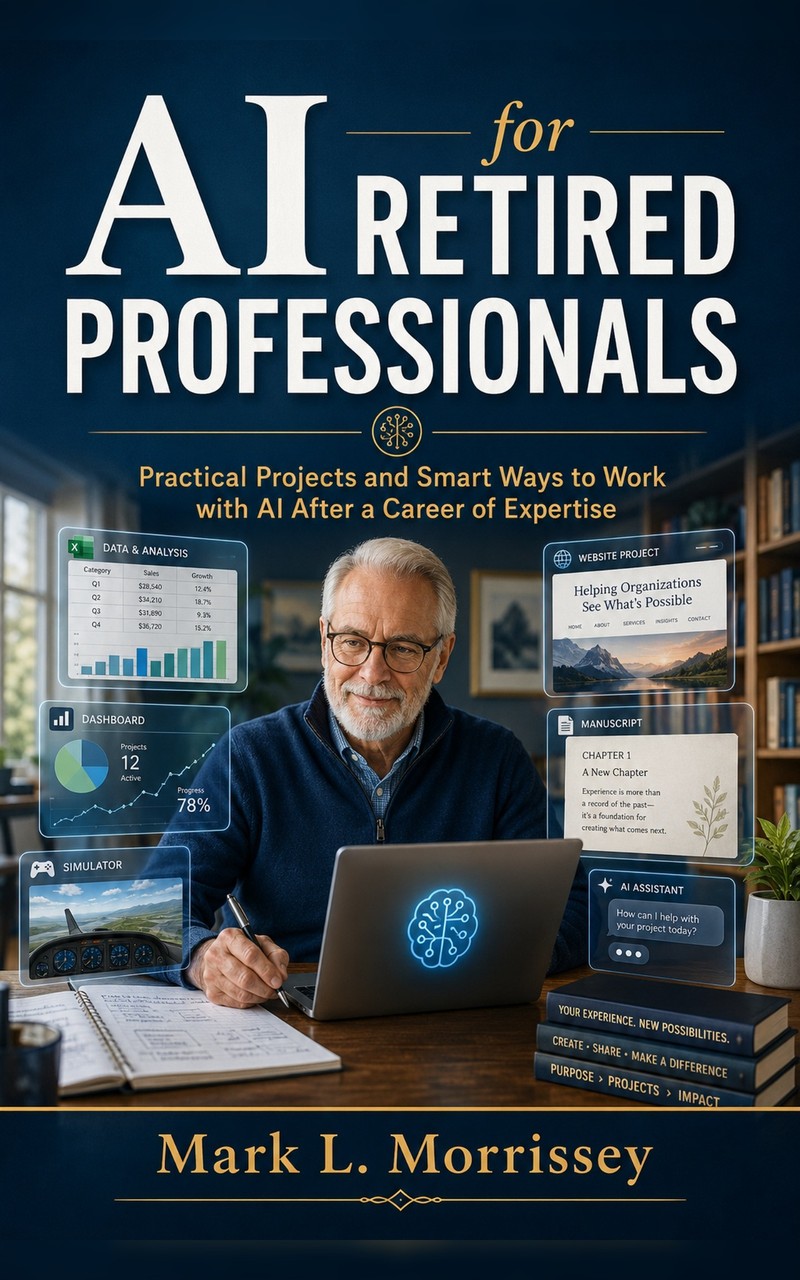
Practical guide
Retirement does not remove the desire to build, write, understand, analyze, organize, teach, or solve problems. For many retired professionals, the problem is not a lack of ideas. It is that projects now require a mixture of skills that used to belong to several different people: writing, editing, spreadsheet design, web layout, research, graphics, and technical troubleshooting.
That is where ChatGPT and similar AI assistants can be useful. They can help you move from a rough idea to a draft, from a messy spreadsheet to a cleaner one, from a vague question to a structured research plan, or from a suspicious email to a more careful risk check. But they can also make things up, sound too confident, miss context, and produce polished nonsense.
The practical rule is simple: use AI to extend your judgment, not replace it.
A better mental model: assistant, not oracle
The worst way to use AI is to ask it an important question and accept the first answer because it sounds smooth. That treats the machine like an oracle. A better model is to treat it like a bright but fallible assistant sitting across the desk from you.
A good assistant can draft, organize, compare, summarize, and suggest. A fallible assistant still needs supervision. You should ask follow-up questions, check the source of important claims, and decide whether the answer fits your experience.
Working rule: The more important the decision, the more verification you need. Use AI freely for brainstorming and organization. Be slower with money, health, legal issues, passwords, personal data, and family emergencies.
Five useful jobs for AI after retirement
1. Turn a vague project into a plan
A retired engineer may want to build a small website. A retired teacher may want to write a short guide. A retired scientist may want to organize old notes into a manuscript. AI can help turn the first vague impulse into a practical sequence of steps.
Ask for a plan, then ask it to simplify the plan, then ask it to identify the first small step. This prevents the common retirement-project problem: the idea is good, but the first action is too large.
2. Draft ordinary writing without surrendering your voice
AI is useful for first drafts, outlines, summaries, titles, email drafts, book descriptions, and explanations. It is less useful when you let it flatten your personal voice into generic language.
A better instruction is: ask for structure, clarity, and alternatives. Then revise the result yourself. Your experience is the source material. AI is the workbench.
3. Help with spreadsheets and records
Many retired professionals still use spreadsheets for investments, taxes, household records, memberships, projects, travel, health logs, or small businesses. AI can explain formulas, suggest workbook structure, write small scripts, and diagnose errors.
The important caveat is that you should test formulas on simple examples before trusting them. Ask AI to create a small test case, explain the expected result, and identify common failure modes.
4. Check suspicious messages and too-good claims
AI can be useful as a first-pass skepticism tool. It can look for pressure tactics, fake urgency, unusual payment requests, suspicious links, unrealistic yields, exaggerated medical claims, or language that sounds like a scam.
This does not mean you should paste private account numbers, passwords, Social Security numbers, medical records, or private family details into a chat. Remove sensitive information first.
5. Learn a new topic without pretending the answer is complete
AI can explain unfamiliar terms, compare concepts, make a reading list, or translate jargon into plain English. It is especially useful when you ask it to explain something at several levels: beginner, technical, and practical.
For serious topics, ask it to separate what is well-established from what is uncertain. Then verify using reliable sources.
Three rules that prevent most mistakes
- Never paste sensitive information unless you fully understand the privacy setting and the risk. Remove account numbers, passwords, medical identifiers, and private family details.
- Ask AI to show uncertainty. Use prompts such as: "What could be wrong with this answer?" and "What would you check before acting on this?"
- Verify high-stakes claims elsewhere. For money, health, legal, tax, and security matters, AI can help you prepare questions, but it should not be the final authority.
A practical prompt to start with
Here is a useful general-purpose prompt for retired professionals who want help but do not want to be talked into nonsense:
This prompt does three things. It asks for help, but it also asks the AI to expose assumptions, risks, and verification needs. That is the right balance.
When AI should not be the final answer
There are areas where AI can help you prepare, but should not decide for you:
- Medical symptoms, drug interactions, diagnoses, and treatment choices.
- Tax and legal decisions.
- Investment trades, retirement withdrawals, and insurance choices.
- Suspicious requests for money, gift cards, wire transfers, passwords, or account access.
- Family emergencies where someone claims to be in trouble and needs money immediately.
In these situations, AI can help draft a checklist or identify warning signs, but the next step should be a trusted human source, professional, institution, or direct verification.
Use the Practical Retiree Lab tools
The site includes three free tools designed for exactly this kind of cautious use:
- Is This Book Slop? - useful before buying a Kindle book, course, or online guide.
- Is This Spam or a Scam? - useful for suspicious emails and text messages.
- Is This Too Good to Be True? - useful for investment promises, miracle claims, and overpolished ads.
These tools are not magic. They are structured prompts that help you slow down, ask better questions, and notice red flags before acting.
The main point
Retired professionals do not need AI to think for them. They need AI to help with the tedious parts of useful work: drafting, organizing, comparing, testing, and explaining. The advantage comes from the combination of old judgment and new tools.
Used that way, ChatGPT is not a replacement for expertise. It is a practical workbench for people who still like to think.